The Philosophical Developer — Chapter 11: Running Local
2026-07-08 · 4 min read
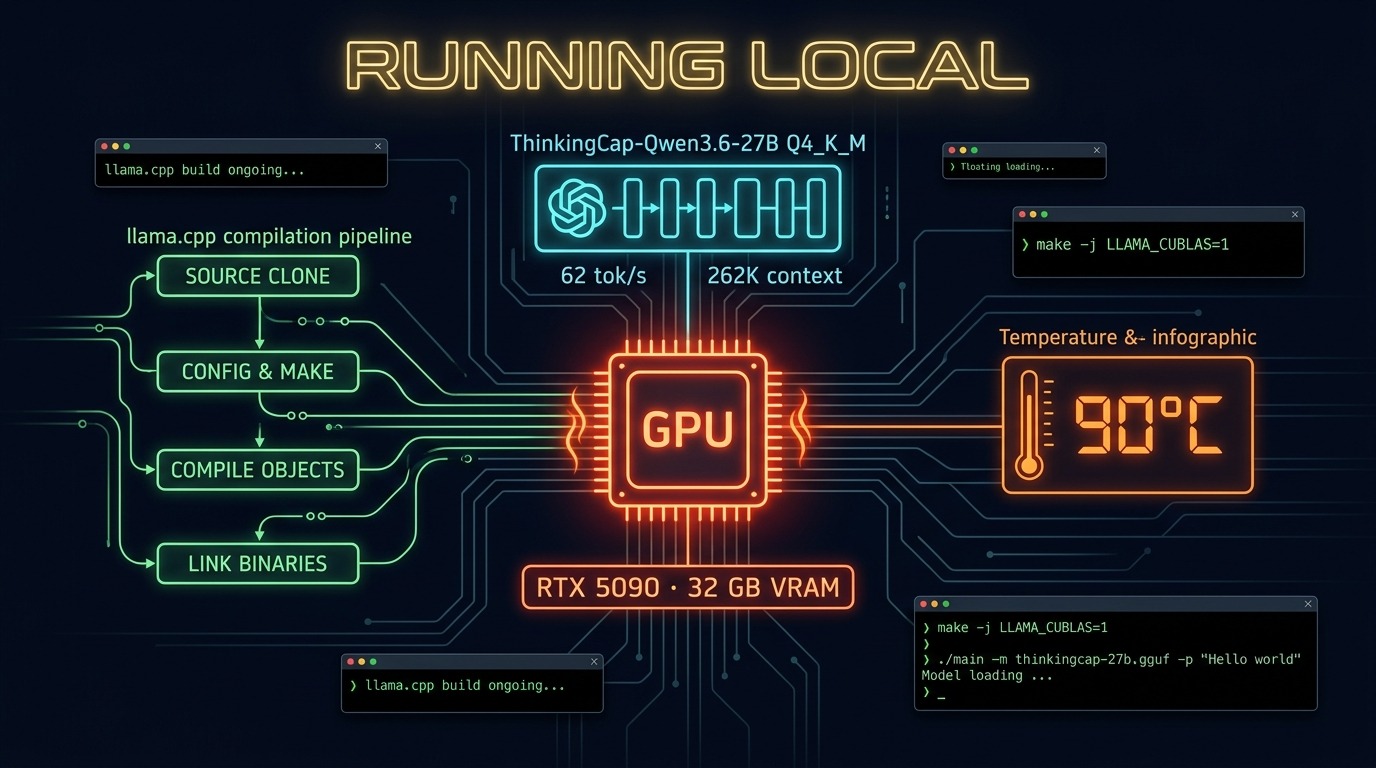
Behind every chapter there is a machine. Behind every machine there is a model. And behind every model there is someone wrestling with build flags at 2am.
This one was me.
The hardware
An RTX 5090. 32 GB of VRAM. Sitting in a room that hits 31°C in the UK summer. The kind of card that turns your desk into a space heater. The kind of card that makes you check GPU temperature like it’s a toddler’s forehead.
The question: can it run a 27B parameter model with vision and 262K of context?
Yes. At 62 tokens per second. At 90°C. Yes.
The model
bottlecapai/ThinkingCap-Qwen3.6-27B. Quantized to Q4_K_M. Roughly 16 GB on disk. The math works out: 16 GB for the model, 16 GB for the KV cache. 262,144 tokens. The full context window the model was trained with. Not the 8K most local setups settle for. The actual thing.
Compared to Laguna XS 2.1 — the previous model I was running — the difference is night and day. Faster. Smarter. Actually capable of following multi-step instructions without losing the thread halfway through. The padawan works better when the brain behind it is competent.
The build
I run Bluefin — an atomic Fedora distro. Which means system packages are read-only. Which means compiling llama.cpp from source inside a Distrobox Fedora container. Which means figuring out why CUDA headers are in one place but the compiler looks in another. Why one dependency is three minor versions too old. Why the build succeeds but the binary segfaults on launch.
There is a reason I write about methodology. Because when the build breaks at step seven of seven, the same discipline applies: understand the error, isolate the variable, test the fix. RED-GREEN-REFACTOR is not just for application code. It is for your entire development environment.
The binary eventually worked. The command that matters:
./build/bin/llama-server \
  -m ~/models/thinkingcap/ThinkingCap-Qwen3.6-27B-Q4_K_M.gguf \
  --mmproj ~/models/thinkingcap/mmproj-ThinkingCap-Qwen3.6-27B-f16.gguf \
  --host 0.0.0.0 --port 8080 \
  -ngl 999 \
  --ctx-size 262144 \
  --flash-attn on \
  --cache-type-k q8_0 \
  --cache-type-v q8_0 \
  --parallel 1
Every flag has a purpose. -ngl 999 pushes all layers to the GPU. --flash-attn on reduces memory overhead for attention. q8_0 KV cache quantization balances quality and context length. --parallel 1 prevents multiple requests from fragmenting VRAM.
The GPU runs hot. Close to 90°C. But it holds. No throttling. No crashes. Just a very warm desk.
For my friends with Macs
The compile story above — not many will need it. If you have an Apple Silicon Mac, you already have Metal acceleration and Homebrew. The entire setup is three commands:
brew update
brew install llama.cpp pipx
pipx ensurepath
Restart your terminal, then install the Hugging Face downloader:
pipx install "huggingface_hub[cli]"
Download the model:
mkdir -p ~/models/thinkingcap

hf download bottlecapai/ThinkingCap-Qwen3.6-27B-GGUF \
  ThinkingCap-Qwen3.6-27B-Q4_K_M.gguf \
  --local-dir ~/models/thinkingcap

hf download bottlecapai/ThinkingCap-Qwen3.6-27B-GGUF \
  mmproj-ThinkingCap-Qwen3.6-27B-f16.gguf \
  --local-dir ~/models/thinkingcap
Run the server:
llama-server \
  -m ~/models/thinkingcap/ThinkingCap-Qwen3.6-27B-Q4_K_M.gguf \
  --mmproj ~/models/thinkingcap/mmproj-ThinkingCap-Qwen3.6-27B-f16.gguf \
  --host 0.0.0.0 \
  --port 8080 \
  --ctx-size 32768 \
  --flash-attn auto \
  --cache-type-k q8_0 \
  --cache-type-v q8_0 \
  --parallel 1
For a 64 GB M2 Max, you can push --ctx-size to 65536. If memory gets tight, switch the cache to q4_0. Then open http://localhost:8080 and talk to your model.
From another device on the same network, replace localhost with your Mac’s IP:
ipconfig getifaddr en0
What it means
Local inference is not a hobby. It is a discipline. You choose your quantization. You calculate your KV cache. You watch your temperatures. You read your logs. There is no API key to forget to revoke. No vendor to change their pricing overnight. No rate limit that cuts you off mid-sentence.
There is just you, your hardware, and a model file on disk.
The methodology runs better when the infrastructure is yours.
Repos:
- ThinkingCap-Qwen3.6-27B-GGUF — the model on Hugging Face
LinkedIn: