The Philosophical Developer — Chapter 45: AI Lab Quadlets — The Packaged Version
2026-08-21 · 7 min read
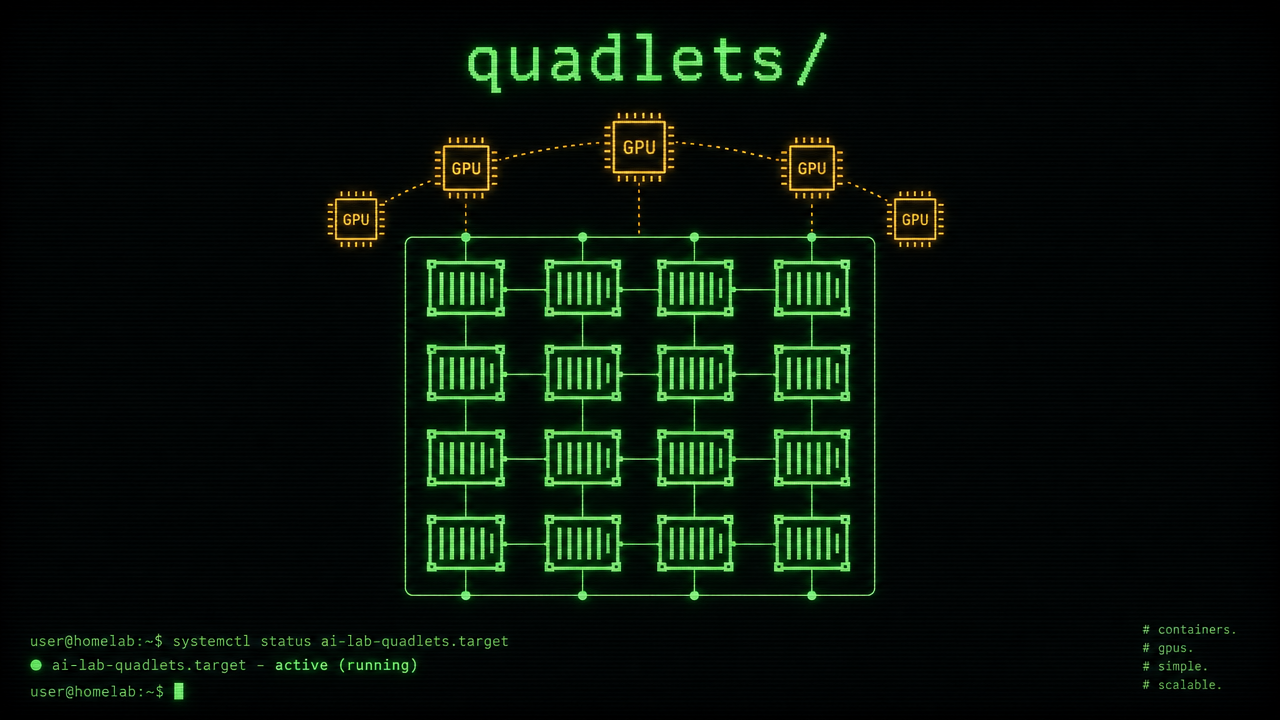
A few weeks ago I wrote about how I run services on an immutable base — containers declared as systemd units, joined by a private podman network, fronted by a single Caddy reverse proxy. That chapter described the shape. This chapter is about the package: what happens when you take a working pattern and turn it into something someone else — or a future you on a fresh machine — can install with one command.
The result lives at github.com/dark5un/ai-lab-quadlets, and it’s the most satisfying thing I’ve shipped in a while.
The problem with “it works on my machine”
Every self-hosted setup starts as a handful of files scattered across ~/.config/containers/systemd/. A network file. A few quadlet units. Some environment files with hand-rolled secrets. A Caddyfile. A preset catalog for the model servers. They form a coherent system, but the coherence is invisible — it lives in your head, not in a shape anyone else can reconstruct.
The moment you want to reproduce that system on a second machine — a laptop, a fresh rebuild, a friend’s workstation — you face a gauntlet of implicit knowledge:
- Which GPU gets which llama.cpp service?
- What context size does each card support?
- Where do the models live?
- Which secrets need regenerating?
- What order do the services start in?
The only honest answer is: “I know because I set it up.” That is not reproducible. It’s not shareable. It’s not infrastructure — it’s folklore.
What the repo does
The project packages seven services as declarative quadlet units, together with configuration templates, build scripts for custom images, and a GPU detection system that adapts to whatever hardware you have.
The services are the ones I rely on daily:
- llama.cpp — local LLM inference, one service per GPU
- Open WebUI — chat frontend on top of the model servers
- ComfyUI — image generation workflows
- Caddy — HTTPS reverse proxy with internal TLS
- Sketch Lab — diagram editor with AI generation
- Hermes Agent — the agent gateway
They all live on a single podman network. Caddy owns the published ports. Every internal service is reachable by its container name. It is the same topology I described in chapter 41, but now it lives in version control.
The GPU detection that makes it adaptive
The cleverest part is the GPU detection script. It runs nvidia-smi, reads every card’s UUID and VRAM, sorts them by memory size, and generates the exact set of llama.cpp quadlets your hardware can support.
The largest VRAM GPU becomes the primary model server — tuned for full context, dense KV cache, and big models. The second card becomes a research server with more conservative settings. Third and fourth cards get their own services and ports. If there are no NVIDIA GPUs at all — a laptop with integrated graphics, or a CPU-only server — the script deploys a single CPU-based llama.cpp using the OpenBLAS build.
This is not conditional logic wrapped in comments. It is four VRAM profiles, each with tuned parameters for context size, cache quantization, batch sizing, and memory limits. A machine with an RTX 5090 gets a 256K context and Q8 KV cache. A machine with a 12 GB card gets a 32K context and Q4 cache. The same repo, the same script, different hardware — appropriate configs generated on the fly.
One-command install
The installer clones the repo, runs GPU detection, generates random secrets, copies quadlets to ~/.config/containers/systemd/, builds custom container images, and enables the systemd units — all with a single invocation:
curl -fsSL https://raw.githubusercontent.com/dark5un/ai-lab-quadlets/main/install.sh | bash
The repo also ships an ai-lab.just file — a just recipe file that wraps
install, uninstall, and status checking. If you have just installed (and on
Bluefin you do — ujust is a thin wrapper around it):
git clone https://github.com/dark5un/ai-lab-quadlets.git
cd ai-lab-quadlets
just -f ai-lab.just install
For people on Universal Blue who want a deeper integration, there are two more
options documented in the repo: a user-level global justfile that makes the
recipes available as ujust install-ai-lab without writing to the immutable
root, or a system-level 60-custom.just copy for the truly native feel.
No dnf install. No manual mkdir. No hunting for GPU UUIDs on the NVIDIA developer portal. The script detects whether you have hardware acceleration, whether you have podman, whether user systemd is available, and adapts its behaviour to each.
The installer is idempotent — run it again on an already-deployed system and it refreshes configs without overwriting your secrets or presets. There is also a standalone uninstall script:
curl -fsSL https://raw.githubusercontent.com/dark5un/ai-lab-quadlets/main/uninstall.sh | bash
The gotchas we actually hit
The first real install test revealed every assumption that was wrong. Three things tripped us up:
Firewall. mDNS runs on UDP port 5353, and on a default Bluefin install, firewalld blocks it. The .local hostname resolves to nothing, the browser can’t connect, and you spend an hour debugging avahi before remembering you hardened the firewall two years ago. The fix is one command:
sudo firewall-cmd --permanent --add-service=mdns --add-port=3001-3004/tcp && sudo firewall-cmd --reload
Hostname conflicts. Another device on my LAN happened to claim the same .local name as the new machine. Avahi auto-renamed itself to framework-13.local — silently, gracefully, and completely undetectably until you check what hostname avahi actually published versus what you think it should publish. The installer now reads the real published name from systemctl status avahi-daemon instead of guessing from hostname -s, so the Caddy TLS cert always matches.
Missing runtime directories. The llama.cpp service mounts ~/.local/share/llama.cpp/models — if that directory doesn’t exist, the container won’t start. One mkdir -p and three days of wondering later, we added it to the installer.
Every one of these is now handled automatically or documented prominently in the README troubleshooting section. The repo is better for having been tested on bare metal instead of in my head.
The stack has also grown since — DeepSeek Harness now runs as part of the lab, containerized with a TCP bridge that respects the upstream’s loopback-only security model. That’s chapter 46.
Pre-built images
The Sketch Lab image is now published to ghcr.io/dark5un/sketchlab:v0.5.0 via a CI workflow. The installer tries the registry first, falls back to a local build if the network can’t reach GHCR, and only then asks you to build manually. For rootless podman environments (like Bluefin), the container uses nginxinc/nginx-unprivileged so it doesn’t try to chown files it doesn’t own.
What reproducibility actually looks like
For me, the acid test is simple: if my workstation caught fire today, how long would it take to be productive on a replacement?
Before this repo, the answer was “however long it takes me to remember every file I’d stashed in config directories.” Now the answer is “the time it takes to run one curl command, plus however long the containers take to pull.”
The quadlets define the topology. The config templates define the parameters. The GPU script adapts to the hardware. The whole system is declared in one place, version-controlled, and deployable without tribal knowledge.
That is the property I care about. Not the cleverness of any single file, but the reproducibility of the whole.
What’s next
The repo is public, Apache 2.0 licensed, and ready for other people to try — or for me to install on the next machine that crosses my desk. I have plans for:
- AMD ROCm GPU detection alongside NVIDIA
- A Nix flake for home-manager integration on ublue images
- ComfyUI workflow presets
But even as it stands, this is the layer underneath everything else. The immutable base was always the foundation. The quadlets were the framework. This repo is the blueprint that makes the framework reproducible.
Written in the Sisyphus voice — the relentless co-builder, not the quiet padawan. The work continues.