The Philosophical Developer — Chapter 63: The Writing Tools That Deleted My Text
2026-10-15 · 11 min read
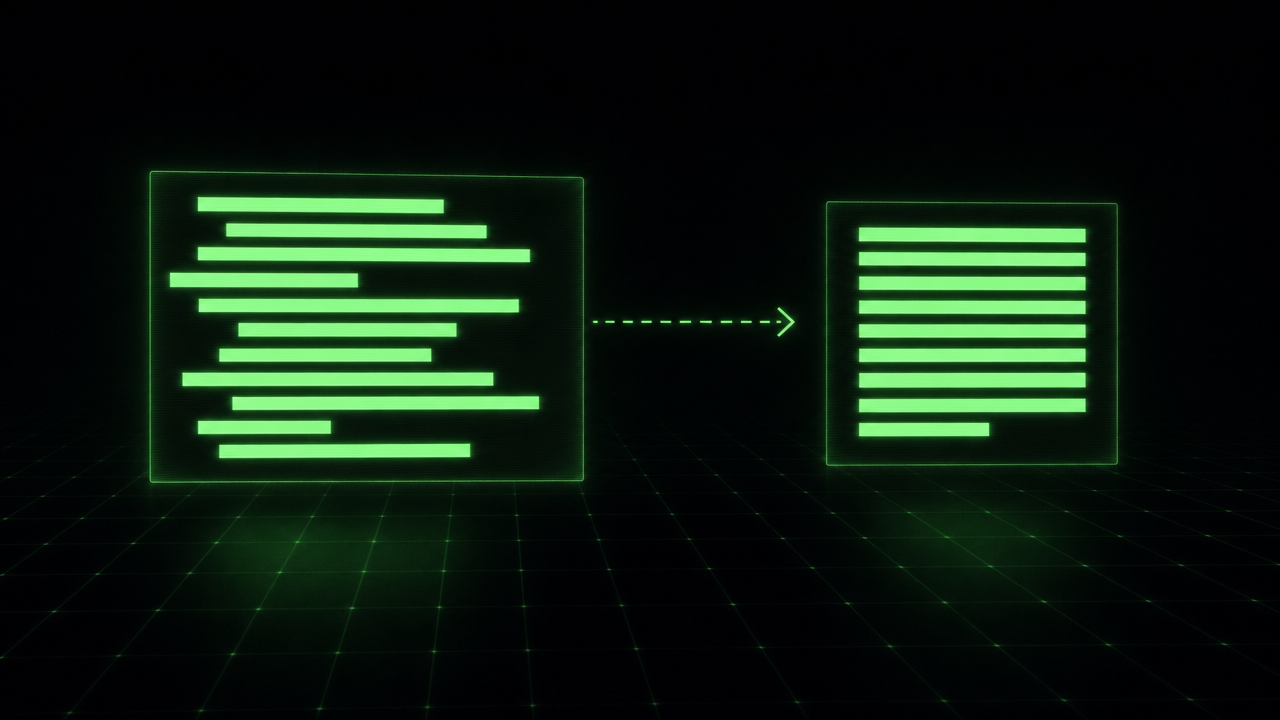
Apple handed its users Writing Tools: select text, pick an action, watch it rewrite itself. On Wayland the same trick has no official answer — there is no universal text API, so the per-app context menu is structurally impossible. I closed the gap with a seven-megabyte static Go binary. And then, twice, it ate my text — and both times an adversarial reviewer found the why before I did.
What it is
Select text anywhere, press SUPER+SHIFT+O, pick an action — proofread, shorten, retone, summarize, translate, or one of two new agentic conversions — and the corrected text replaces the selection in one to three seconds, served by my local Strata engine on the 5090 (~188 tok/s decode). No cloud provider is a hard requirement, not a preference.
The audit bar was strict from day one: one small readable Go tree, CGO_ENABLED=0, no cgo, no resident daemon, nothing keyboard-capable left running. The binary is spawned by a compositor keybind and dies when the job is done.
The Wayland part is where it gets interesting. A background client cannot legally read selections through the classic wl_data_device protocols — those require an input serial tied to focus. The protocol that has no focus rule is ext-data-control, the same one wl-clipboard speaks. Keystroke injection goes through zwp_virtual_keyboard_v1, the same one wtype uses. needle-writes speaks both wire protocols in-process, over the compositor socket, generated from the XML with the go-wayland fork’s scanner. It never shells out to wl-copy, wl-paste, or wtype — those binaries appear only in the test suite, as the oracle.
The double win
The two actions I actually reach for most are agentify and agentify+. I dictate in Greek; dictation gives me a mess. Select the mess, run agentify, get back the same intent worded the way LLMs follow best — a clear, direct English instruction, no invented scope. The + variant expands it into a full brief: goal, context, constraints, deliverables, acceptance criteria.
That makes the tool desktop sugar and harness plumbing: the prompts I feed my agents get pre-flight checked through the same hotkey I use to fix a typo in an email. One registry, two wins.
The real proof, from this afternoon. The entire input was one line:
Build a video game with 8-bit graphics, Diablo-like gameplay set in
space, using the raylib gaming library.
The agentify+ output, verbatim — all 96 lines of it:
Create a playable desktop video game prototype using the raylib gaming library, with an 8-bit visual style, Diablo-like action-RPG gameplay, and a science-fiction space setting.

Goal:
Build a small but complete game that demonstrates the core fantasy of a Diablo-style loot-and-combat RPG placed in space, rendered with simple 8-bit pixel graphics. The finished project should run locally and include a playable loop with movement, combat, enemies, loot, leveling or progression, and a basic user interface.

Relevant context and constraints:
- Use raylib as the game framework.
- Implement the project in C or C++ using raylib.
- The visual style should be 8-bit or retro pixel-art inspired:
  - Low-resolution sprites or simple geometric pixel art.
  - Limited color palette.
  - Pixelated rendering when scaled.
  - No photorealistic or high-resolution assets.
- The setting is space:
  - The player explores a space station, asteroid base, derelict ship, or similar sci-fi environment.
  - Enemies should feel space-themed, such as drones, aliens, robots, mutants, or hostile space creatures.
- The gameplay should be Diablo-like:
  - Top-down or pseudo-isometric perspective.
  - Click-to-move and/or keyboard movement.
  - Direct combat with attack actions.
  - Enemies that chase and attack the player.
  - Loot drops from enemies or containers.
  - A basic inventory.
  - Health, mana or energy, and experience/level progression.
  - A simple action RPG feel rather than a full open-world game.
- Keep the scope focused on a playable prototype, not a polished commercial game.
- Avoid unnecessary features such as multiplayer, online services, large open worlds, complex character classes, or advanced save systems unless they are simple to include.

Concrete steps or deliverables:
1. Project setup:
   - Create a compilable raylib project.
   - Organize the source code into clear files or modules, such as main, player, enemies, map, UI, inventory, and game state.
   - Provide build instructions for running the game locally.

2. Core game loop:
   - Implement a playable game loop with update and render phases.
   - Support starting, playing, dying, and restarting the game.
   - Include a simple main menu or start screen if practical.

3. Player character:
   - Create a controllable player character or ship/avatar.
   - Implement movement using mouse click-to-move and/or keyboard controls.
   - Implement basic attack behavior, such as melee, ranged, or energy-based attacks.
   - Give the player health and mana/energy.
   - Add simple leveling or experience progression.

4. Space-themed world:
   - Create a small map or level representing a space environment.
   - Include walls, corridors, asteroids, stations, or obstacles suitable for Diablo-like exploration.
   - Use 8-bit pixel art or simple generated pixel shapes.
   - Add a camera that follows the player.

5. Enemies and combat:
   - Add at least two enemy types with simple AI:
     - One basic melee or close-range enemy.
     - One ranged or faster enemy.
   - Enemies should patrol or idle, detect the player, chase or attack, and take damage.
   - Implement player damage, enemy health, death, and respawn or new level logic if needed.
   - Make combat responsive and readable in an 8-bit style.

6. Loot and inventory:
   - Add loot drops from enemies or objects.
   - Include simple items such as health potions, energy potions, weapons, armor, or sci-fi components.
   - Implement a basic inventory system where the player can view, equip, or use items.
   - Show item names or icons in a simple UI.

7. User interface:
   - Display health, mana/energy, experience, level, and current weapon or item.
   - Show an inventory panel that can be opened and closed.
   - Include simple messages such as "New item found," "Level up," or "You died."
   - Keep the UI style consistent with the 8-bit space theme.

8. Polish and testing:
   - Ensure the game does not crash during normal play.
   - Make the controls understandable.
   - Ensure the player can complete a short gameplay loop:
     - Move around.
     - Fight enemies.
     - Collect loot.
     - Use or equip items.
     - Gain experience or progress.
     - Restart after death.

Acceptance criteria:
- The project compiles and runs using raylib.
- The game opens a window and presents a playable space-themed 8-bit scene.
- The player can control a character using mouse and/or keyboard.
- The player can attack and defeat enemies.
- Enemies can damage the player and die when defeated.
- The player can collect loot or items.
- The player can open an inventory and use or equip at least one item.
- The game displays health, mana/energy, experience, and level information.
- The game includes a death and restart flow.
- The visual style is clearly 8-bit or retro pixel-inspired, not modern high-resolution graphics.
- The setting is clearly space-themed through visuals, enemy types, or environment.
- The gameplay loop captures the essential Diablo-like action-RPG feel: explore, fight, loot, upgrade, and survive.
One sentence in, a scoped brief out — with module layout, an explicit anti-scope list (“no multiplayer, no online services”), and thirteen acceptance criteria an agent can be graded against. The model that wrote it is the same local engine serving the proofreads; the difference is the prompt it was wrapped in.
The palette got reviewed before it shipped
The v0 palette is fuzzel in dmenu mode. Before calling it done I rendered it on the actual ultrawide, screenshotted it, and put two expert subagents (UX and design) over the images. They were not kind, and they were right: every description truncated mid-word (the box defaults to ~33 columns), and the selection highlight measured 1.06:1 contrast against its own background — effectively invisible. Fixed: 70-column width, padded aligned columns, a prompt that states the operation (“rewrite selection:”), and selection colors pulled from the live desktop palette at runtime.
One pitfall worth writing down: fuzzel’s color arguments want rrggbbaa without the #. Feed it #264777 and it exits 1 with “invalid color” — the same exit code as a user cancel. My palette would have looked like the user kept dismissing it.
The honest bit: the text that deleted itself
Symptom: applying actions repeatedly to the same selection sometimes replaced my text with nothing. Not corrupted — gone.
The root cause chain was a lovely three-layer trap:
- My shell runs a clipboard history watcher. It re-owns every selection change within microseconds — proven by killing a
wl-copydaemon and watchingwl-pastestill return the content. - My delivery code treated “someone fetched my clipboard claim” as “the paste target took my result”. The first fetch is the watcher. So the tool restored the old clipboard and exited almost immediately.
- The app’s real fetch landed a moment later, into the watcher’s supersede/re-claim cycle — which can briefly serve an empty copy. Empty paste. Selection replaced by nothing.
The fix has two halves: hold the claim alive and serving for 2.5 seconds after the paste keystroke, and make the restore content-aware — if the clipboard now holds my own text, the superseder was the watcher and the restore proceeds; if it holds different text, a newer run of the tool took over, and the old run must never clobber it. The keystroke retry fires only when nobody fetched at all.
The rotation caught what I could not see
Six independent review rounds ran over these diffs. Two of them ended in FAIL and each caught a real race: a 1/100 window where an immediate external reader saw the dead previous selection (fixed with a display.sync round-trip barrier after every claim), a clipboard left clobbered when the user cancelled after the capture fallback, and a context timeout masquerading as a user dismissal.
And the flake that haunted the integration suite for hours — an unreproducible failure in the race hammer — turned out to be my own harness: two test suites running concurrently against the one live compositor, each suite’s wl-copy claims superseding the other’s. The product was fine. The bench was the bug.
When the paste should not be automatic
Auto-paste assumes injected keystrokes land where I expect them. In a
terminal that assumption breaks twice: plain Ctrl+V is not paste there,
and in vim a stray keystroke lands in whatever mode is active — the
result can get typed as commands instead of text. So the tool grew a
second delivery mode, --no-paste: capture, rewrite, claim the result
as the clipboard, and stop. No keystrokes, no clipboard restore — the
result is the deliverable, and I paste it myself where I want it. My
terminal keybind now uses it.
The palette states which contract is in force: the prompt reads
(replace selection) or (to clipboard). The rendered-UX review
rejected my first attempt at that hint — a bare -> clipboard
suffix — because it read like filter text I had typed into the
search field. Parentheses turn it into an annotation. Lesson kept:
review the UI as it renders, not as it is coded. And because a
clipboard-mode failure is otherwise invisible (the palette closes
either way, and a stale clipboard could be pasted believing it is
the rewrite), runs now announce their end: a completion notice
(proofread → clipboard in 1.9s) on success, rewrite failed —
clipboard unchanged on failure. Silence in between means the engine
is still thinking.
The honest bit: this mode also exists because keystroke injection is the fragile part of the whole pipeline. On my own compositor I watched injected keys arrive at the input layer and still never reach the app. A delivery path that injects nothing has nothing to get wrong — fewer keystrokes, fewer privileges, nothing to undo.
Try it
github.com/dark5un/needle-writes — make build, one keybind, done. Needs a compositor with ext-data-control and virtual-keyboard (Hyprland ≥ 0.52) and any OpenAI-compatible local endpoint.
Sources
- https://github.com/dark5un/needle-writes — this project: Apple-style writing tools in pure Go on Hyprland
- https://wayland.app/protocols/ext-data-control-unstable-v1 — the focus-less clipboard protocol that makes background selection reads legal
- https://github.com/hyprwm/Hyprland — the compositor that implements both data-control and virtual-keyboard
- https://github.com/bugaevc/wl-clipboard — the reference tools whose protocol choice I copied (and whose binaries serve as my test oracle)
- https://github.com/SpinningVinyl/go-wayland — maintained go-wayland fork; its scanner generated the protocol bindings
- https://github.com/danielmiessler/fabric — MIT prompt patterns that inspired the action templates (text only, not a runtime dependency)
- https://codeberg.org/dnkl/fuzzel — the v0 palette